Home › Mods
Minecraft mods change the game — new mobs, better graphics, extra blocks, magic, vehicles and more. On this page we collect the best mods for Minecraft on Android, starting with the classics. New mod guides are added slowly, one by one.
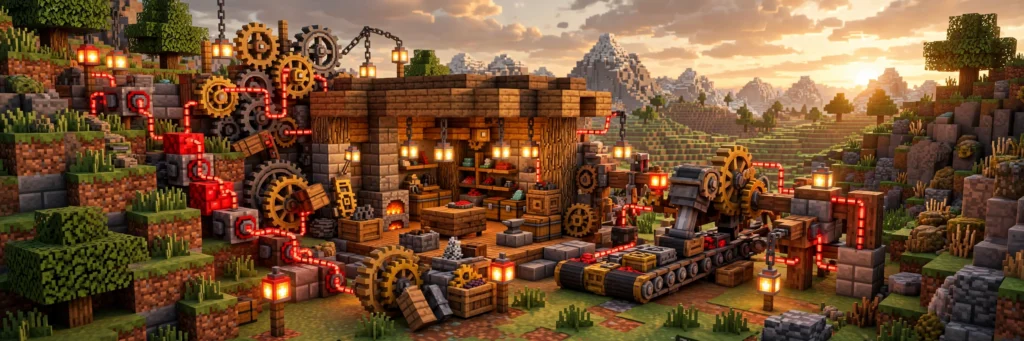
What are Minecraft mods?
A mod (modification) is an add-on that changes or extends Minecraft. On Android, mods usually come as add-ons or .mcaddon files that you open with Minecraft. They can add creatures, weapons, furniture, lucky blocks or even whole new ways to play.
Always download mods from trusted sources, check which Minecraft version they need, and back up your worlds before you try a new one.
Popular mod types
- New mobs and animals — dragons, dinosaurs and friendly pets.
- Furniture and decoration — chairs, TVs, kitchens and modern houses.
- Weapons and tools — guns, swords and armor for battle.
- Lucky blocks — break a block and get a random surprise, good or bad.
- Maps and mini-games — parkour, horror maps and survival challenges.
How to install a mod on Android
- Download the mod file (usually .mcaddon or .mcpack).
- Tap the file — it should open in Minecraft automatically.
- Wait for the “Import successful” message.
- Create or edit a world, go to Behavior Packs and Resource Packs, and turn the mod on.
- Start the world and enjoy the mod.
Top 10 best Minecraft mods for Android
These are the ten mods Android players ask for most, all tested as Bedrock add-ons. 1. Furniture Add-on — working chairs, tables, sofas and kitchen items for a real home. 2. Lucky Block Add-on — break a lucky block for a random item, mob or surprise, good or bad. 3. One Block — survive on a single block that keeps giving new blocks as you mine it. 4. Morph Add-on — turn into the mobs you defeat. 5. Vehicles Add-on — working cars, bikes and boats for faster travel. 6. More Weapons & Tools — new swords, bows and tools with crafting recipes. 7. Mutant Mobs — bigger, stronger versions of zombies, skeletons and creepers. 8. More Ores — new ores, armor and tools to mine and craft. 9. Guns Add-on — modern weapons for battle maps. 10. Instant Structures — place ready-made houses, castles and farms in seconds. Install each one with the steps above, and test it in a new world first.
Until then, start with the game itself — download Minecraft 26.3 and get comfortable with the vanilla game first.
Latest Mods posts
The top 10 list above and the install steps on this page are the mod guides for now — every guide here is tested on the latest version before it is published.