Home › Servers
Minecraft is more fun with friends. Servers are online worlds hosted by other players, where you can play survival, creative, mini-games, skyblock and more with people from all over the world. This page explains how servers work on Android and what to look for.
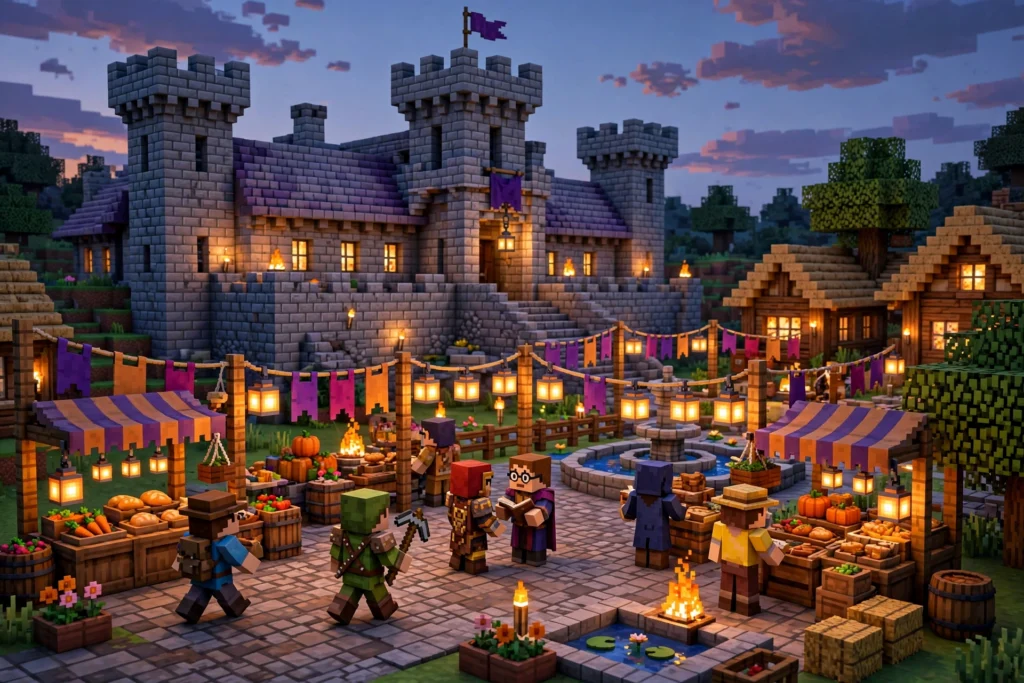
What is a Minecraft server?
A server is a Minecraft world that stays online even when you log off. You join with an address (and sometimes a port), pick a game mode and play alongside other players. Some servers are small and friendly; others host thousands of players at once.
How to join a server on Android (Bedrock)
- Open Minecraft and tap Play > Servers to see the featured servers, or tap Add Server to enter a custom address.
- Type the server name, address and port, then tap Save.
- Tap the server to join. You need an internet connection and a Microsoft account for most public servers.
Types of servers
- Survival servers — gather, build and survive with other players.
- Creative servers — free building with plots and shared builds.
- Mini-game servers — Bed Wars, Sky Wars, parkour, hide and seek and more.
- Skyblock servers — start on a tiny island and expand it.
- Roleplay and life servers — towns, jobs and player-run economies.
Stay safe on servers
- Never share your password or personal details with other players.
- Play on well-known servers with active moderators.
- Report griefers and cheaters to the server staff instead of fighting back.
- Ask a parent or guardian before joining servers if you are under 18.
How to choose a good server
A good server fits how you like to play. Survival and skyblock servers suit players who like to gather and build over time, mini-game servers suit short matches with friends, and creative or roleplay servers suit players who want to build and chat. Check three things before joining: the server lists its version and rules, it has active moderators, and it works on Bedrock — Java-only servers will not let Android players in. If a server asks for your password or personal details, leave it and play somewhere else.
Until then, make sure you have the latest version — download Minecraft 26.3 — because most servers require the newest version to join.
Latest Servers posts
The server guide above covers everything you need to join and stay safe — every guide here is tested on the latest version before it is published.